Podcast + Social Content Gear List
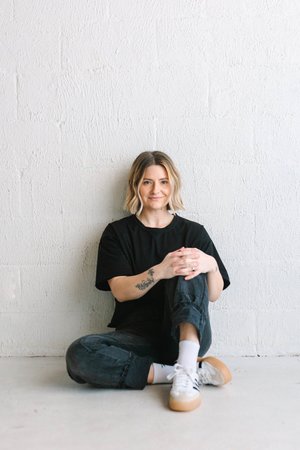
Do you want to start a podcast? Launch an online ministry? Create content for social media or YouTube? But all you have is a phone and a ring light? I got you.I started an online ministry through social media over a year ago, and have fumbled my way through adding audio podcasting, then video podcasting, and now creating content weekly. And I started with nothing. I've had to learn the hard way how to edit videos, produce podcasts, adjust lighting, tweak audio, and a million other things you'll have to learn along the way.I cried many tears of frustration and often felt so alone in the process. This post exists to help you cry less and hopefully, walk an easier path.Welcome to my very basic, just starting, beginner gear list ✨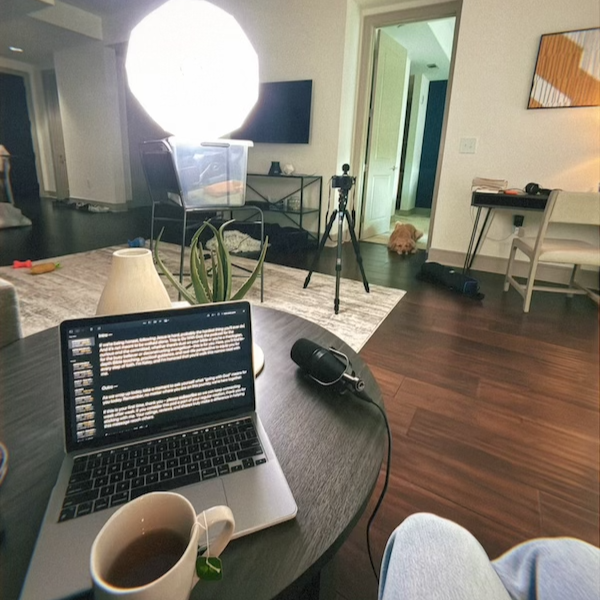
All of these products are found on Amazon, just to keep it simple and quick. I did the research so you don't have to. Some pieces below were gifted to me, or I purchased a used version on Amazon to save money. This list is meant for the podcaster or creator who is starting with little to no budget. The higher-priced items are worth it, as they allow you to avoid skimping on quality and last for more than a year.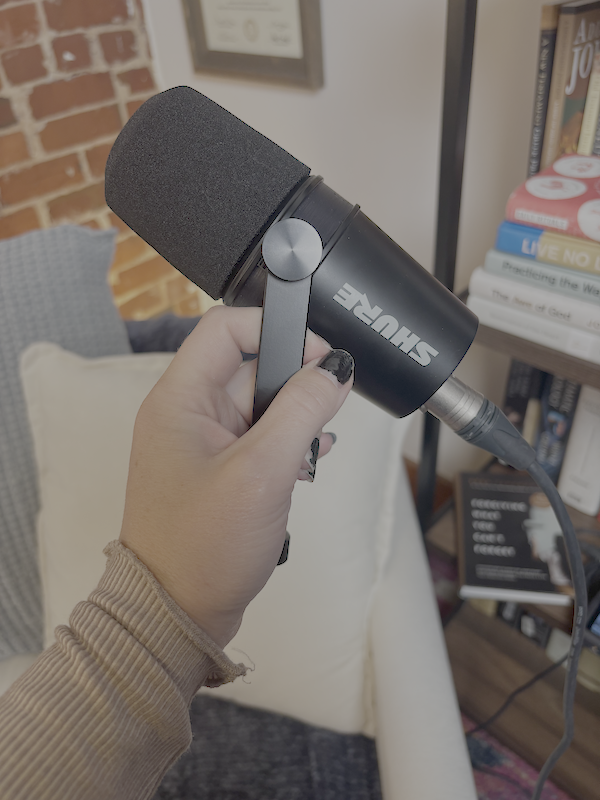
Microphone
This was the first purchase I made when I decided to start podcasting. Audio is the most important part, even if you're doing video podcasting! If your podcast has bad audio, people won't listen--no matter how good the content is.I knew I would be solo podcasting, so I went with one good microphone: Shure MV7X XLR Dynamic Microphone.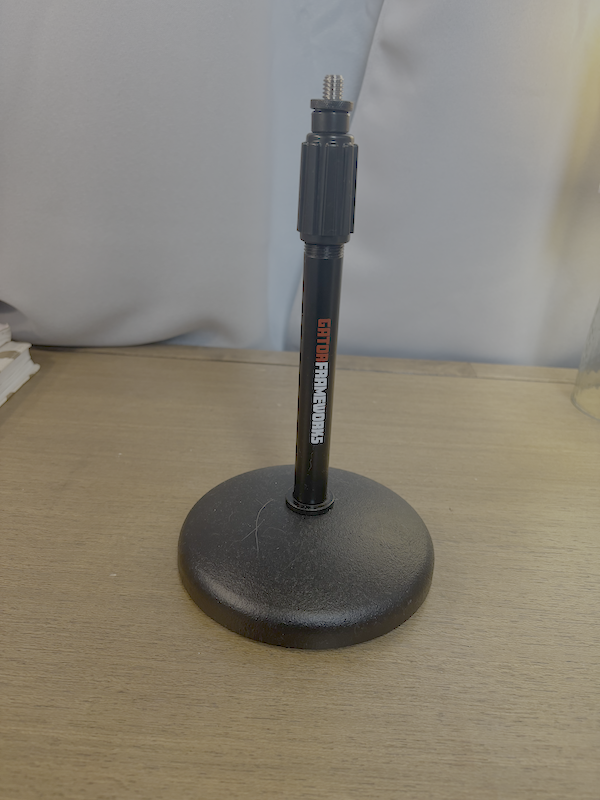
Microphone Stand
When I first started, I sat at a desk. I wanted a microphone stand so that I could use my hands to scroll through my notes. This stand was affordable and sturdy: Gator Frameworks Desktop Microphone Stand.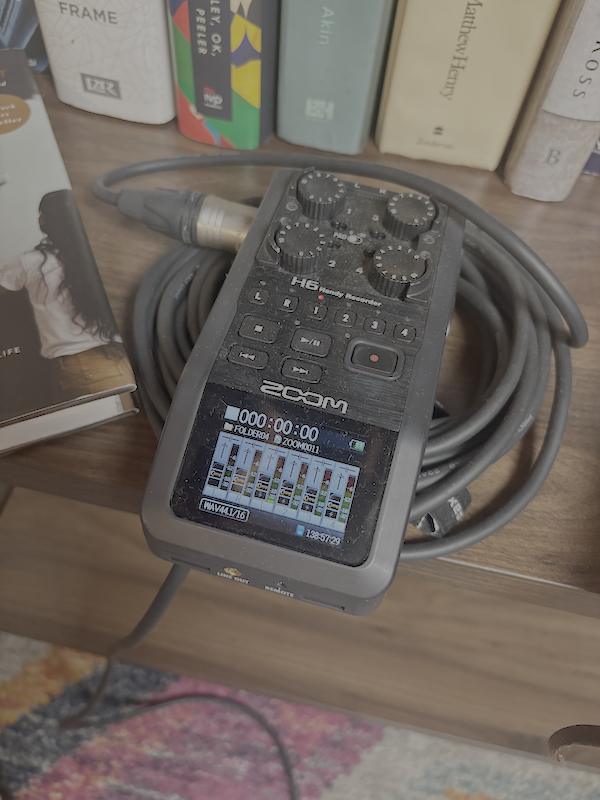
Audio Recorder
This is what I used starting out. I have an older model of the Zoom PodTrak P4 Podcast Recorder. It can record up to 4 microphones if you have guests on your podcast. The volume is adjustable for each channel, it's battery powered, and easy to use. It records to an SD card that you can easily dump to your computer.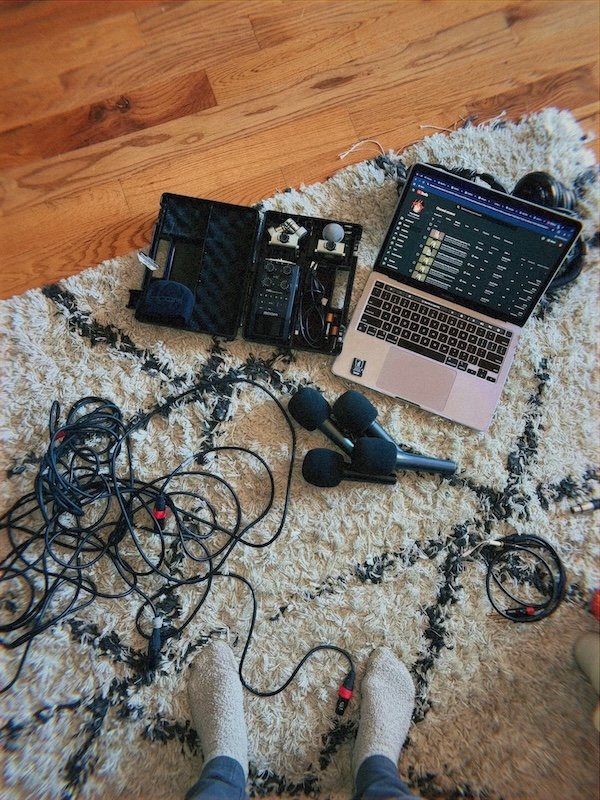
XLR Cables
You will need an XLR cable for each microphone you record with. Now, you can get a cheaper cable, but if you want it to be high quality audio that you don't have to worry about, and a cable that lasts you years, go with the Shure C25J 25-foot Hi-Flex Cable.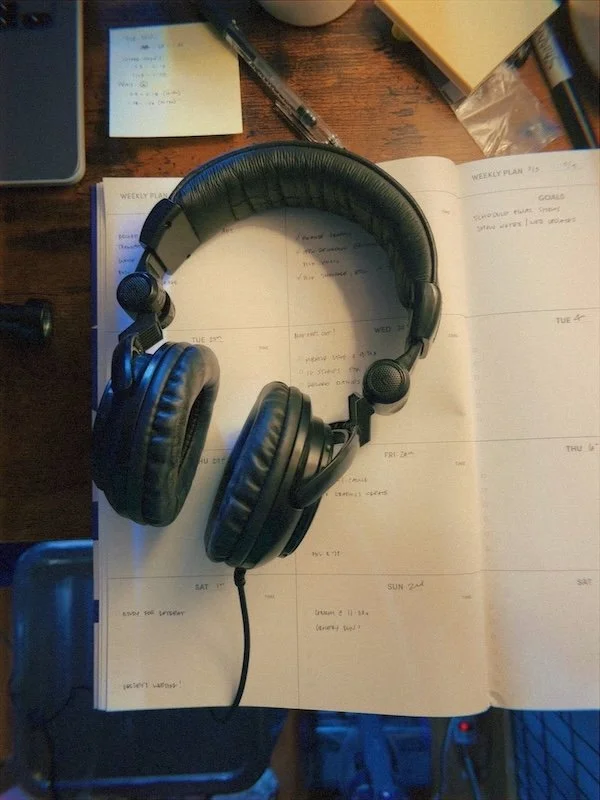
Headphones
I learned this the hard way--you need to edit your podcast with headphones. It doesn't matter how quiet your surroundings are; the headphones will isolate all of the sounds and help your edit not to sound like you're in a tin can. Trust me on this. I have the Tascam Professional Studio Monitor Headphones.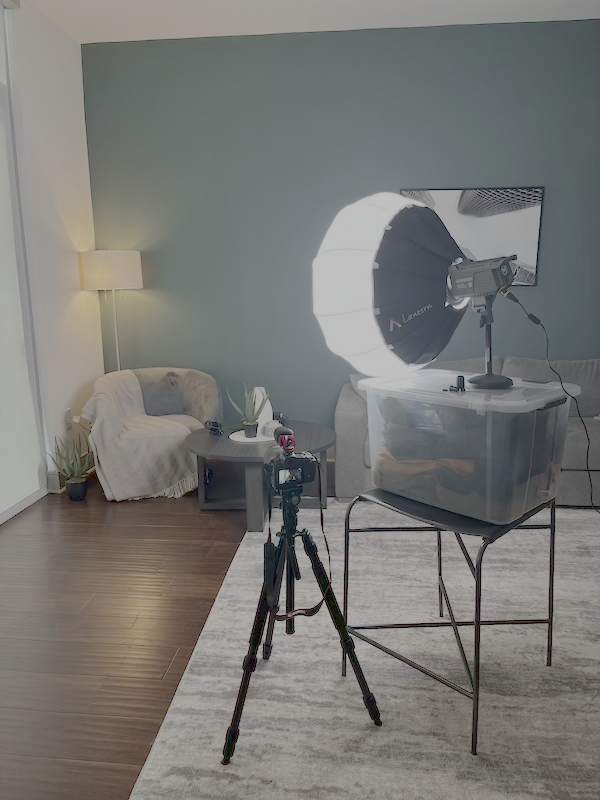
Lighting
Next to audio, lighting is most important. The right lighting can take your video from home-made to high quality. I invested in an Amaran 100dS Studio LED Light and an Aputure Lantern Softbox. It's pictured here in my make-shift studio while traveling. I ended up putting it on my table top mic stand--don't judge. But a lantern light is a go-to for full lighting that looks natural.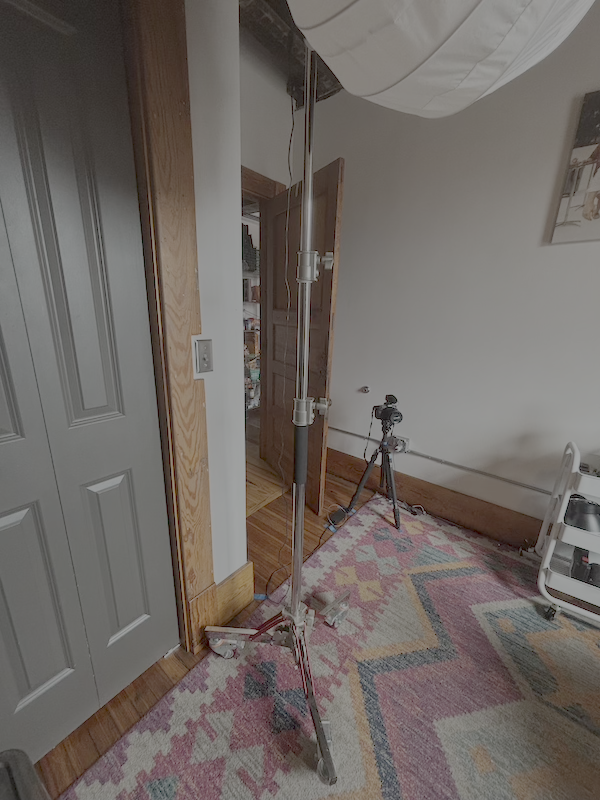
Light Stand
The more professional and easy way to hold your lantern light is a light stand. I have this Neewer Heavy Duty Light Stand with Casters. It's easy to set up, it rolls, and it folds up for travel.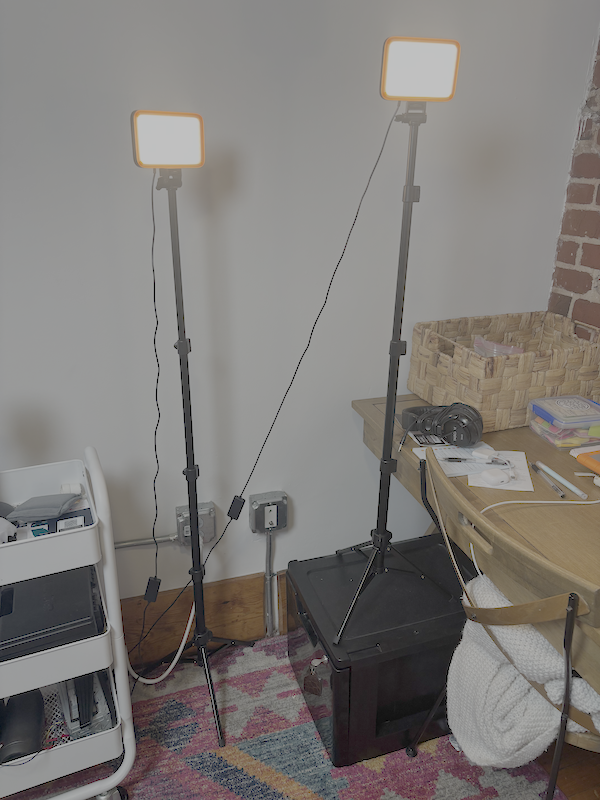
Auxiliary Lighting
Speaking of professional, to add depth to my podcast lighting, I have two warm LED lights that help blend and add dimension. These come as a set from Amazon: NEEWER Basics 2 Pack LED Video Light Panel Lighting Kit.Camera
The camera I started out with is a Canon EOS R with a Canon RF 24-105mm f/4L IS USM Lens. IMPORTANT: This camera has a 30-minute video recording limit which is not enough for many podcasters. This camera was supplied to me by Aperture Impact, and I highly suggest contacting them for camera recommendations. They are a small business that will walk with you as you select the camera and equipment that you need for your creative project. However, if you're looking for short-form video, photos, or social media content, this camera works really well. I also use a Sirui W-2204 tripod and L-bracket for vertical videos (i.e. reels).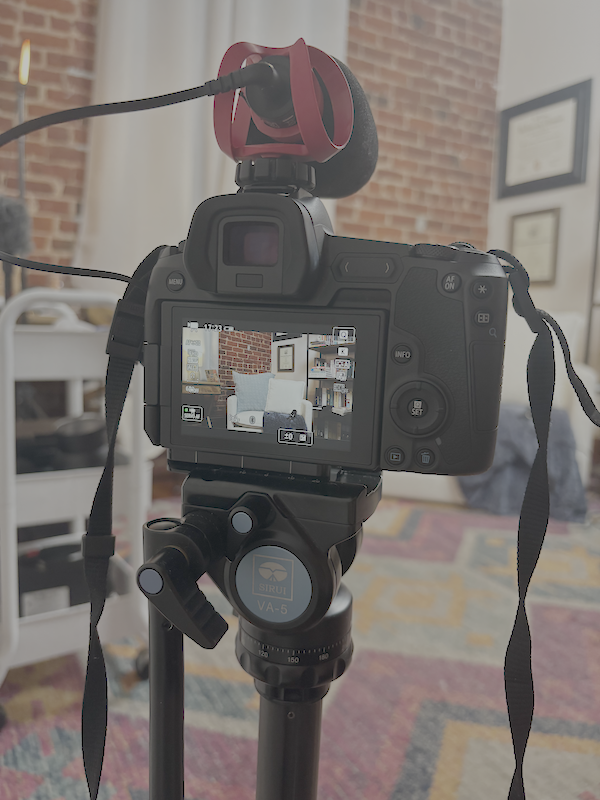
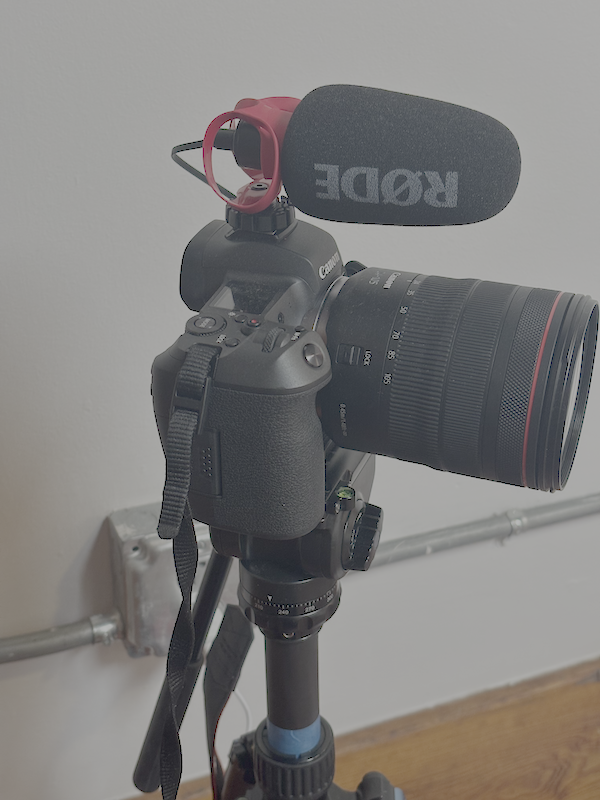
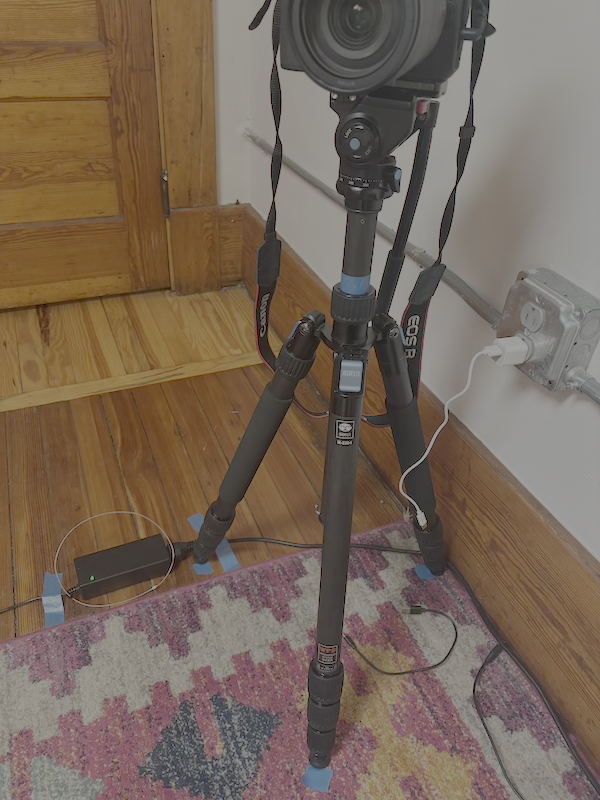
I’ve upgraded to a Canon EOS C50 with a Canon RF 28-70 lens and a Canon XLR top handle which my mic plugs directly into. I’ve eliminated the need for the Zoom recorder, which helps when I forget to hit record in multiple places. This camera has a much longer runtime for 30:00+ video podcasts.
Hard Drive + SD Reader
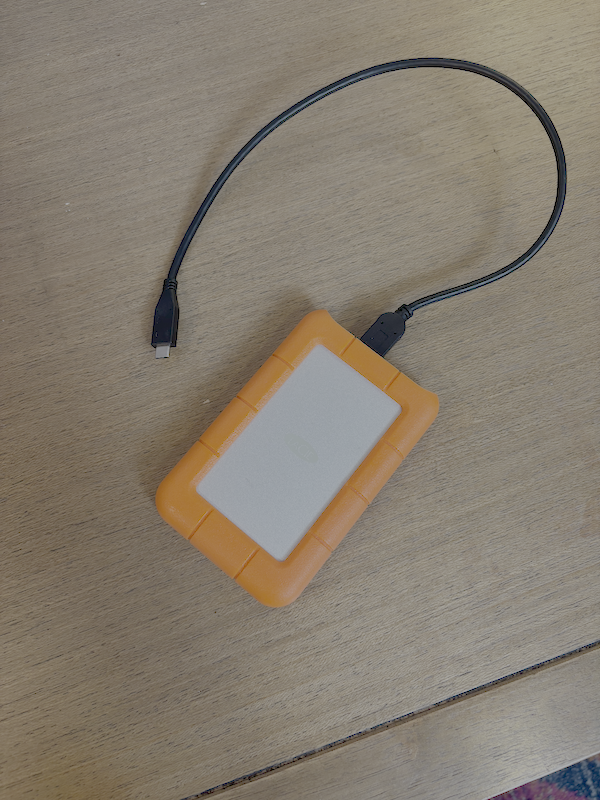
You must have a good, reliable hard drive to store your audio and video files if you are going to create content for a long time. I switched to a LaCie this past year, and I love it. I also use this SD card for my camera, and this SD card reader to transfer files to my MacBook Pro and then my hard drive.I’ve since upgraded my SD card for more storage and my MacBook Pro for memory and storage. I no longer need the card reader as well.
Podcast Chair
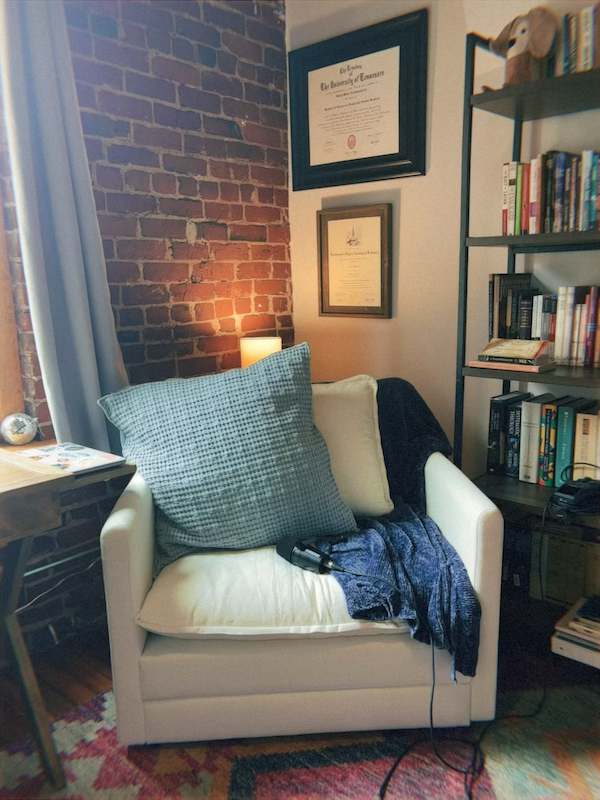
Trust me, this matters, too. I wanted an oversized chair that was comfortable to podcast in, but that could also become part of my brand. I grabbed this chair from Amazon, and it only took me an hour to put together by myself. Notice the warm lighting behind that chair? I've moved that lamp to the side table and added my old ring light behind the chair for some added dimension.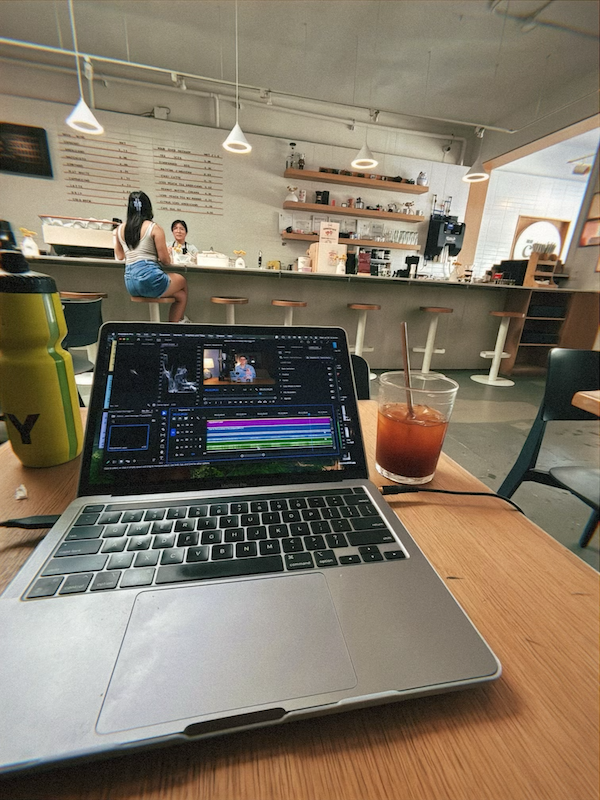
Editing Software
I taught myself to use Adobe Premiere Pro to edit my social media clips and video podcast. It takes time to learn, but there are tons of tutorials on YouTube. I started with CapCut, but I wanted a more reliable program that I could grow with that had way more capabilities.You really only need your phone and a topic to get started, but if you are ready to seriously launch a podcast or to create better content, this is a great place to start. Don't feel overwhelmed by it all--just start somewhere. Choose a microphone, buy one light, or start learning an editing program. One step will unlock what's next! This is just what's working for me as someone who started with nothing.Cheering you on,